The Complete 2026 Guide: Best Ways to Get and Use iTunes & Apple Gift Cards
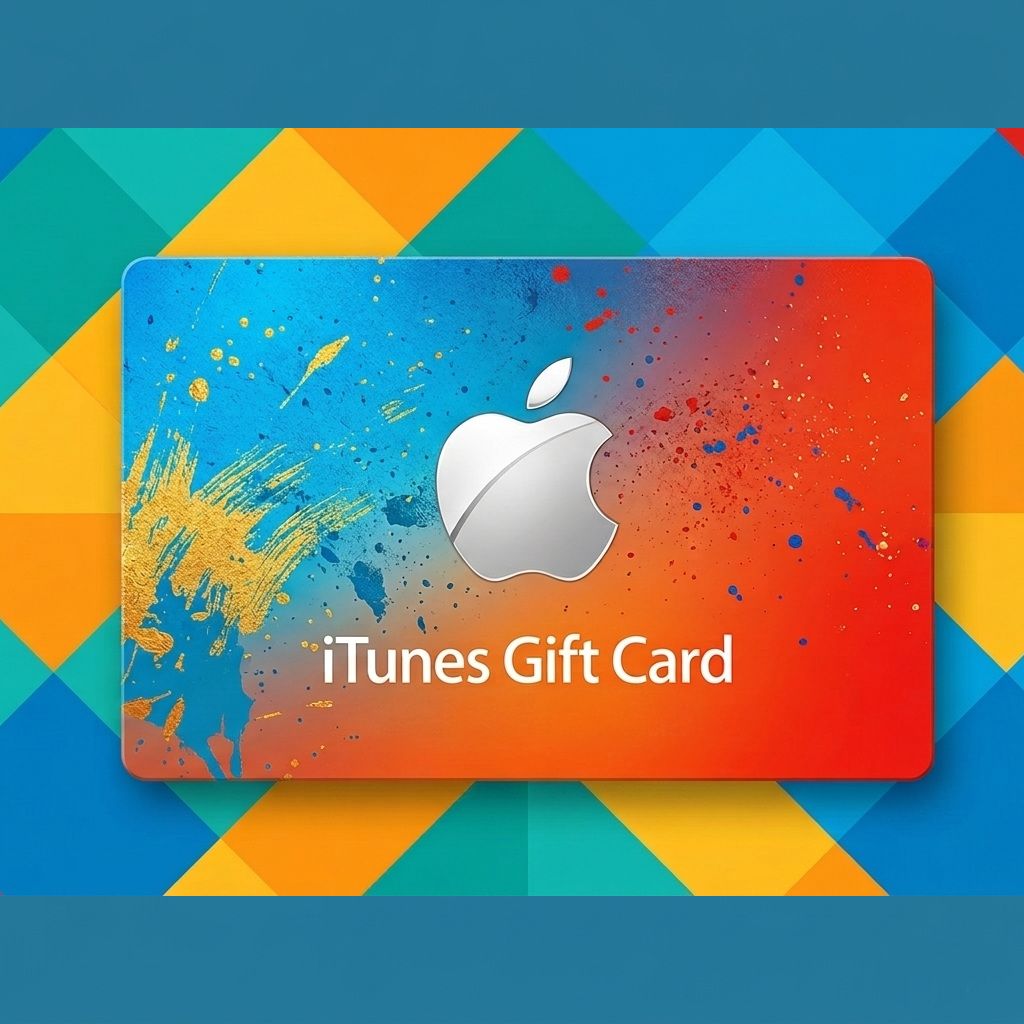
An iTunes Gift Card (now commonly integrated into the Apple Gift Card) is a prepaid digital or physical credit used to purchase any digital service within the Apple ecosystem. It provides funds for the App Store, iTunes Store, and Apple Books. These cards are region-specific, meaning a card purchased in the US can only be redeemed on a US-based Apple account. They are a popular choice for users who want to access premium apps or media without linking a personal credit card to their Apple ID.
How to Get an iTunes Gift Card?
There are several official and secure ways to acquire these cards:
- Retail Stores: Physical cards are available at major supermarkets, pharmacies, and electronics stores like Walmart, Target, and Best Buy.
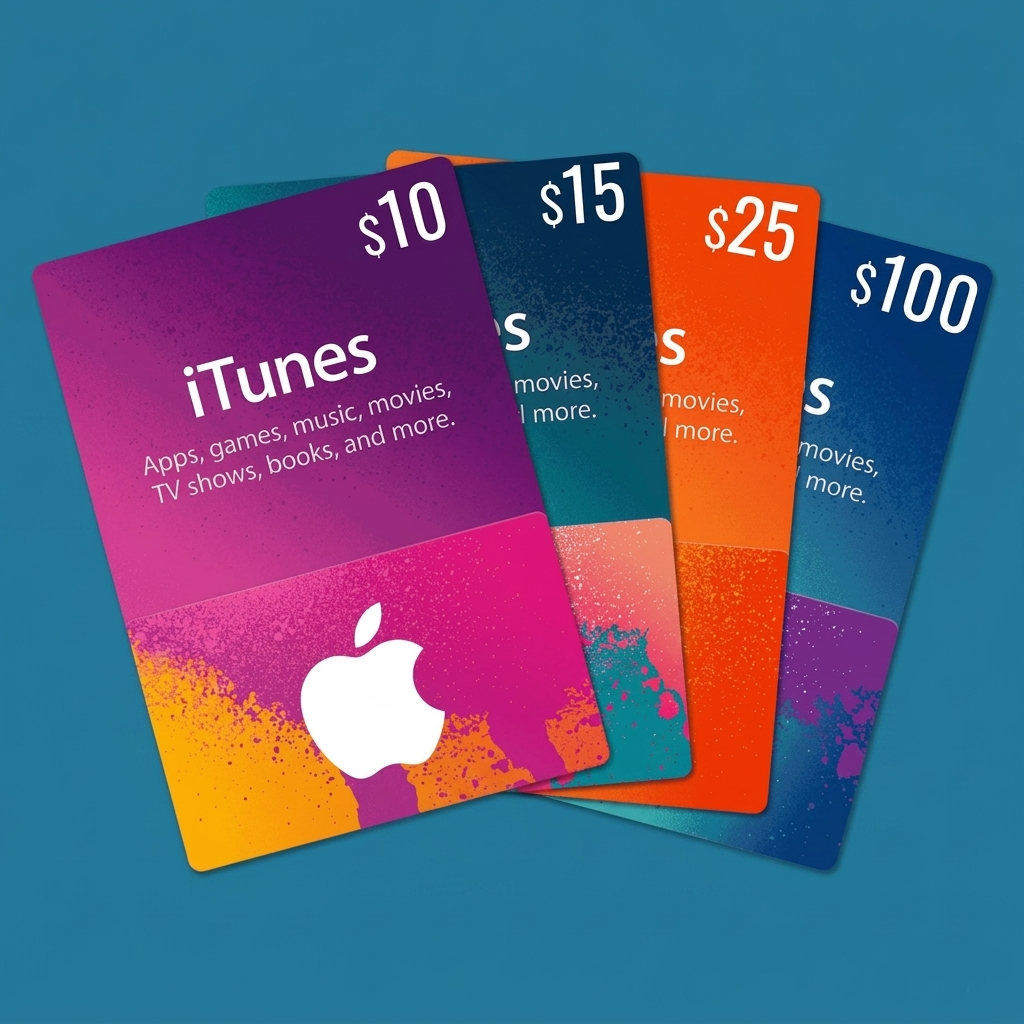
- Apple Direct: Buy digital codes directly from the Apple website or the App Store app.
- Third-Party Platforms: Purchase from authorized digital resellers like Amazon or specialized gift card sites.
- Earned Rewards: Many people get them by redeeming points from CPA marketing platforms, survey apps, or the Microsoft Rewards program.
- Mobile Banking: In certain regions (like Bangladesh), specialized services allow you to buy them using local mobile wallets like bKash or Nagad.

How to Use an iTunes Gift Card?
Once the credit is added to your Apple account balance, it can be used for:
- Apps & Games: Purchase premium apps or make in-app purchases (like extra lives in a game or specialized tools).
- Media Content: Buy or rent movies and TV shows via the Apple TV app or music via Apple Music.
- Subscriptions: Pay for monthly services including iCloud+ storage, Apple Arcade, Apple News+, and Apple Fitness+.
- E-Books: Buy digital books and audiobooks through the Apple Books app.
- Pro Tip: If you have an Apple Gift Card, it can also be used toward physical hardware like an iPhone or Mac at an Apple Store.
How to Redeem an iTunes Gift Card?
Redeeming your code is a simple process across all Apple devices:
- On iPhone/iPad: Open the App Store, tap your profile photo (top right), and select “Redeem Gift Card or Code.” Use your camera to scan the code or enter it manually.
- On Mac: Open the App Store, click your name/sign-in button in the sidebar, and click “Redeem Gift Card.”
- On Windows: Open the Apple Music or Apple TV app, click your name in the sidebar, and select “Redeem.”
- Verification: After entering the 16-digit code, the balance is instantly added to your Apple account and can be verified under your account name.
Ticketstress in Nederland lijkt steeds meer op een gokje
Mal unter uns, wie vaak online een concertkaartje probeert te scoren, weet dat het soms voelt als een loterij. Je klikt, je hoopt, en binnen enkele seconden zijn de goede plekken weg. Geen cash meer, geen rij bij het postkantoor. Alleen jij, je scherm en duizenden anderen die tegelijk op dezelfde knop drukken. Die spanning lijkt verrassend veel op wat je voelt bij online slots of een potje roulette in een digitaal casino.
Natuurlijk is een concert geen gokspel. Toch zie je dezelfde patronen terug: wachtrijen, presales, weggeefacties en betalingen via iDEAL. Soms win je een felbegeerd ticket, soms grijp je mis. Voor wie nieuwsgierig is naar hoe dat soort mechanismen werken, is een Pinocasino review best interessant. Niet omdat kaartverkoop hetzelfde is als gokken, maar omdat de vibe van kans, hoop en snelle beloningen overal opduikt. Of je nu een artiest volgt of een uitbetaling afwacht, het blijft mensenwerk.